
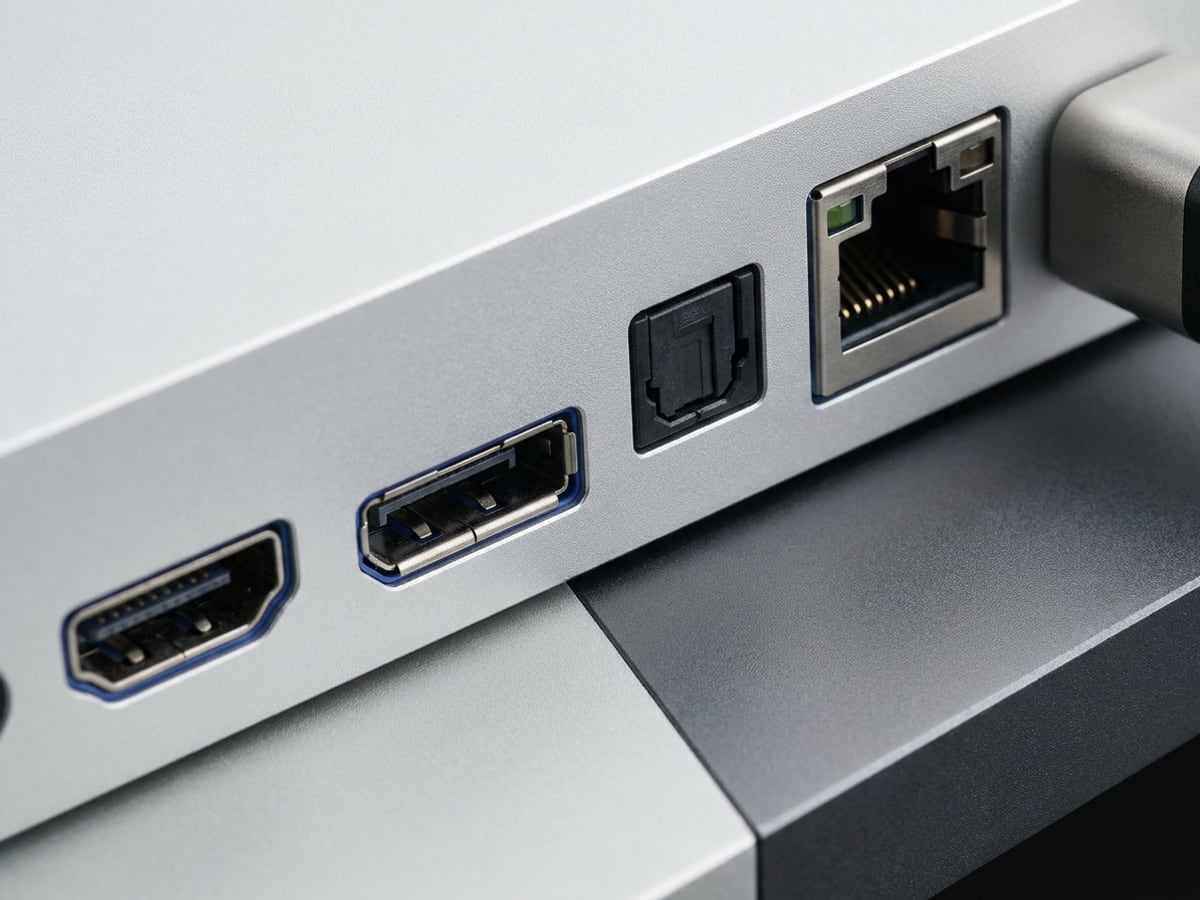
Every back-panel port named left to right
Stop squinting behind dark TV stands. See every visible jack in order with its exact standard and what it actually does.
Snap a photo of any back panel, mystery cable, or charger for exact port names, the right cable to buy, and power safety checks.
€0.05 per inspection, charged only when the result is ready. Sign in with your Sensifai account.
Sample result
TV and soundbar HDMI eARC
Photos: Living-room TV rear panel and soundbar rear input. Goal: Connect soundbar with lossless TV audio and remote volume control.
Connect the soundbar HDMI eARC port directly to HDMI 2 (eARC) on the TV.
Ultra High Speed HDMI 2.1 Cable (48 Gbps, eARC)
Device A port
TV: HDMI 2 (eARC)
Device B port
Soundbar: HDMI OUT (TV eARC)
Standard HDMI input for a streaming box or console. Does not send TV audio out.
Enhanced Audio Return Channel port that sends all TV sound to the soundbar.
Backup optical fiber audio output. Limited to compressed surround and no volume sync.
Upload one or two photos of a device back panel, mystery cable, or power adapter label to get exact connector names, the cable to buy, and instant voltage safety checks.
Choose Identify, Connect A to B, or Power Brick Check, then upload one or two photos from behind your TV, desk, or cable drawer.
The Sensifai AI engine identifies connectors left to right, matches port capabilities, and cross-checks voltage, amperage, AC/DC, and polarity.
Get a copy-ready shopping spec tag, clear step-by-step hookup advice, or an immediate safety verdict before you plug anything in.
Stop squinting behind dark TV stands. See every visible jack in order with its exact standard and what it actually does.
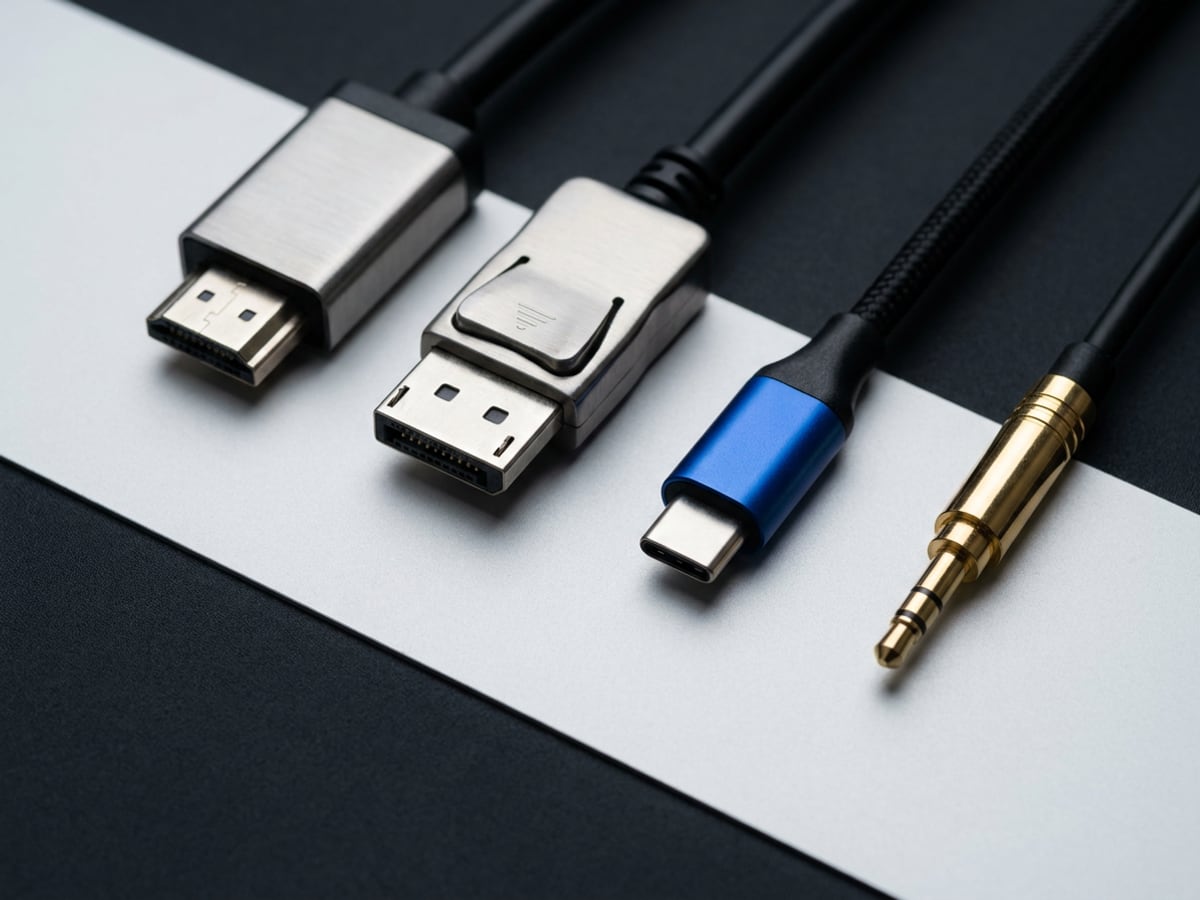
Connect Device A to Device B and copy the exact cable or adapter string, complete with eARC, active direction, and USB-C caveats.
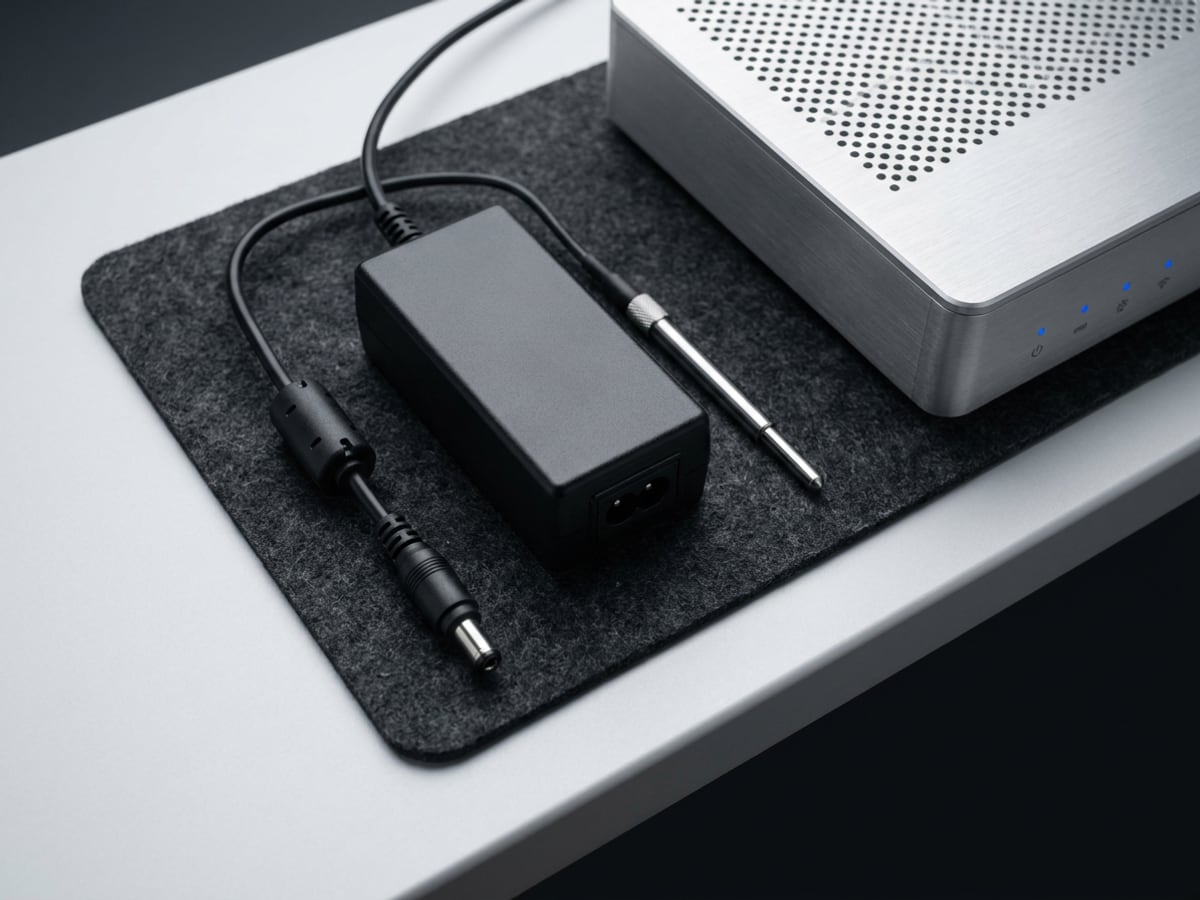
Compare voltage, amperage, AC versus DC, and center polarity side by side. Blurry fine print triggers a closer-photo alert instead of a guess.
Everything in one place: run an analysis, review results, manage API keys and your data.
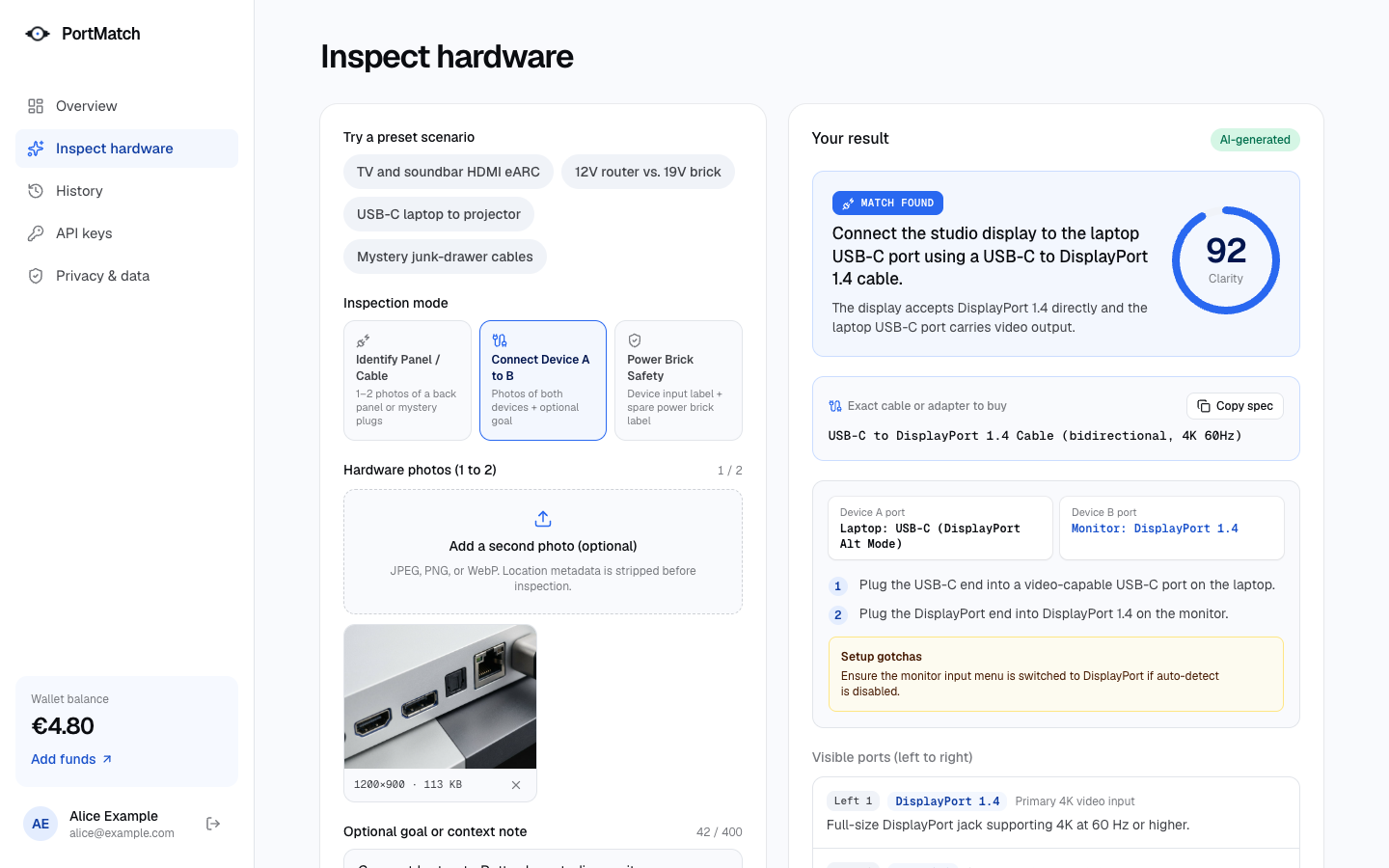
Create a key in the workspace and call one HTTPS endpoint. Each successful call costs €0.05 and is charged to your Sensifai wallet.
curl -X POST https://portmatch.sensifai.com/api/v1/run \
  -H "Authorization: Bearer $API_KEY" \
  -H "Content-Type: application/json" \
-d '{"mode":"connect","images":["data:image/jpeg;base64,/9j/4AAQSkZJRgABAQAAAQABAAD..."],"goal":"Connect laptop to 4K monitor and soundbar"}'{
"id": "run_7f3c2a91",
"result": {
"mode": "connect",
"headline": "Connect the soundbar HDMI eARC port directly to HDMI 2 (eARC) on the TV.",
"verdict": {
"status": "compatible",
"label": "MATCH FOUND",
"reason": "Both devices have dedicated HDMI eARC ports for audio return and remote sync."
},
"confidence": 94,
"shoppingTag": "Ultra High Speed HDMI 2.1 Cable (48 Gbps, eARC)",
"ports": [
{
"position": "Port 2",
"standard": "HDMI 2 (eARC)",
"role": "Two-way audio + video",
"description": "Enhanced Audio Return Channel port that sends all TV sound to the soundbar."
}
],
"connectionPlan": {
"deviceAPort": "TV: HDMI 2 (eARC)",
"deviceBPort": "Soundbar: HDMI OUT (TV eARC)",
"steps": [
"Connect Ultra High Speed HDMI from TV HDMI 2 (eARC) to Soundbar HDMI OUT."
],
"gotchas": [
"Do not use HDMI 1 on the TV for the soundbar."
]
},
"powerCheck": null,
"warnings": [],
"nextAction": "Connect TV HDMI 2 (eARC) to Soundbar HDMI OUT (eARC)."
},
"charge": {
"amountEur": 0.05,
"currency": "EUR"
}
}Your Sensifai wallet covers this app and every other app on the marketplace.
No. Photos are stripped of location metadata, downscaled in memory, analysed once, and discarded immediately. Only the date, cost, and run source are kept for billing.
PortMatch refuses to guess unreadable electrical ratings. If voltage, AC/DC, or barrel polarity cannot be read clearly, it flags the reading as unreadable and asks for a closer photo.
Only after a valid result is delivered. Invalid uploads or unavailable service responses cost nothing.
Yes. Create an API key in the workspace and send base64-encoded JPEG, PNG, or WebP photos to the HTTPS endpoint. Each call uses your Sensifai wallet.
Yes. Some connectors such as USB-C look identical whether or not they support video output or high-wattage charging. Always verify critical power ratings and laptop specs before connecting.